
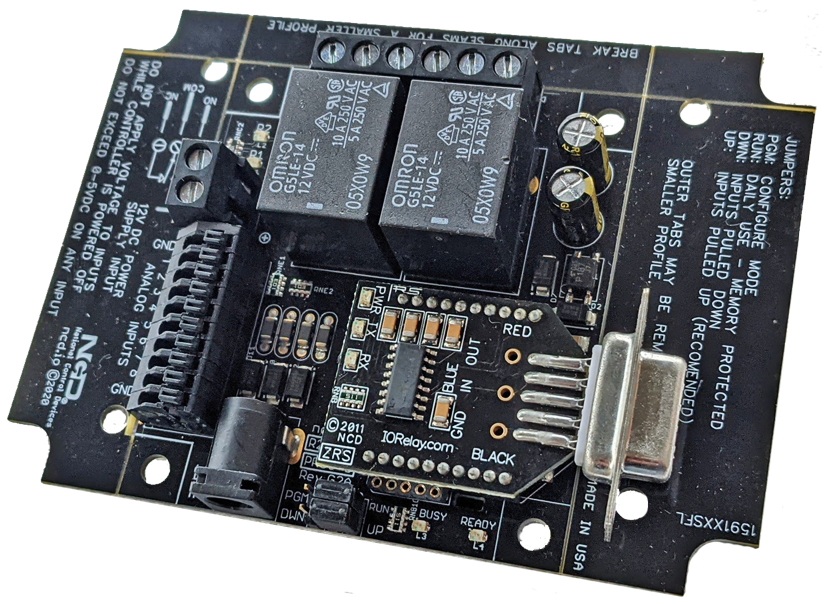
RS232 Relay at a Glance...
- RS232 Interface with Choice of Connector
- Onboard DB9 Connector
- Screw Terminal Connector
- Off the Board DB9 Connector
- Connect to Any Existing COM Port - Single Relay or Multiple Relay Boards Available
- ProXR Boards Expandable to 256 Relays
- SPDT, DPDT & SPST Relays Available - Connects to Third Party Devices
- Creston, AMX & More! - Industry Leading Command Set
- Send Specific Commands to Trigger Relays
- Trigger Any or All Relays
- Program in Almost any Language
- Read 0 to 5 Volt Sensors
Connects to Third Party Devices
With the DB-9 or direct wire capabilities RS-232 Relays can connect to third party devices including Crestron, AMX and more!
RS232 Relay Controller Board
RS232 Relays are equipped with firmware built into the board that will allow you to Control one relay at a time, a bank of relays or all relays at once with manual and automatic refreshing command set. RS232 Relay or Serial Relay Controller allows computer controlled switching using the serial port of your computer. An RS232 Relay supports any available COM port at any standard baud rate, allowing easy integration into any program that support serial communications. The RS232 Relay is ideally suited for applications that require data collection and control from a single device.ZRS Modules
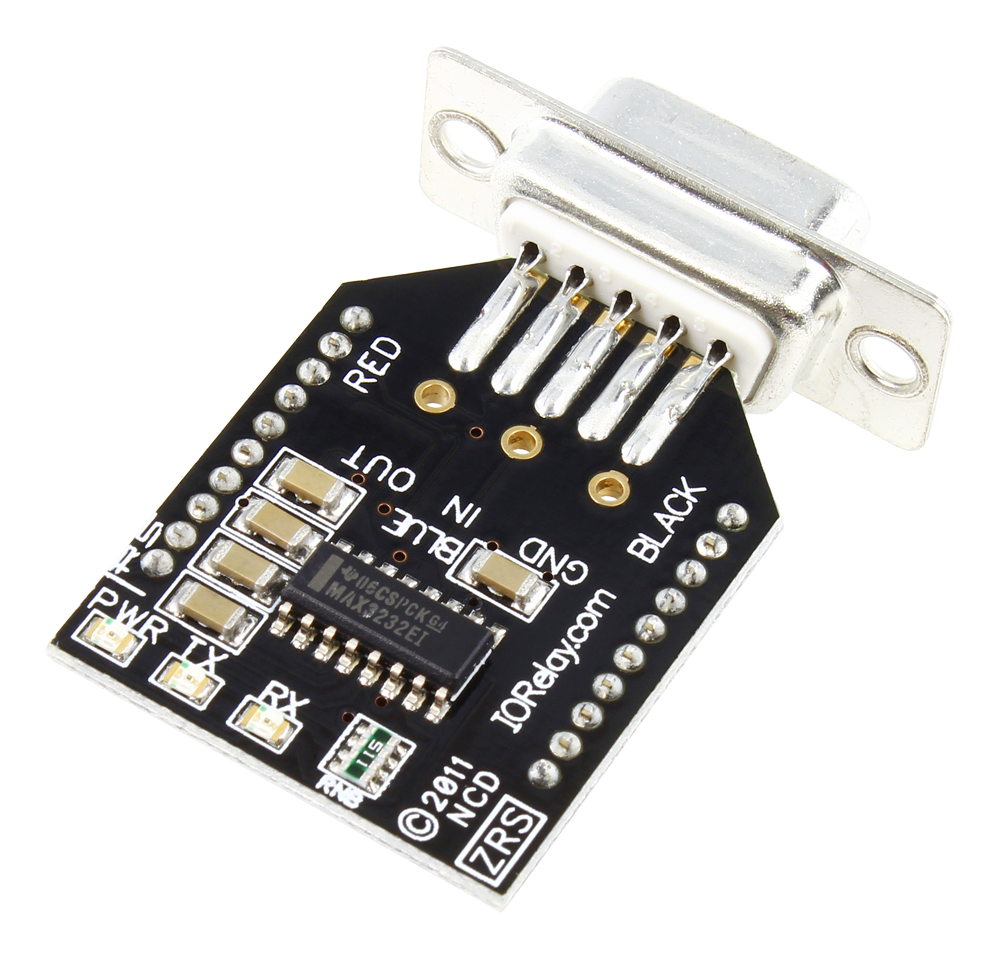 The ZRS Module is offered with 3 different RS-232 connection options depending on the wiring option that best suits your application. The ZRS module is powered from the serial port of your computer. The board itself will require 12 volts of power and can be hard wired or you can purchase a "wall wart" type Power Supply at checkout.
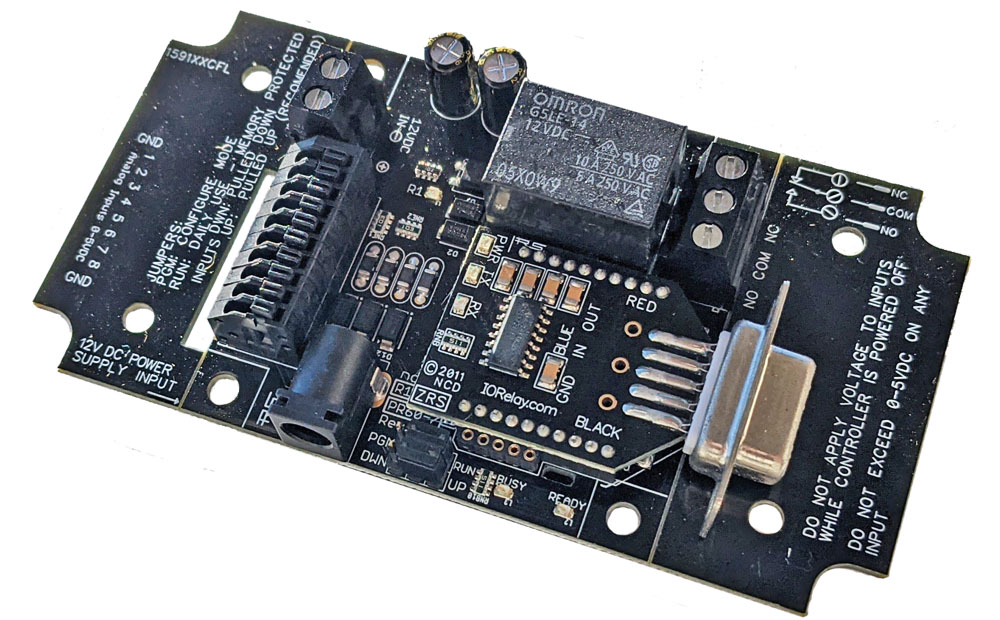 RS232 Relay - 1-Channel
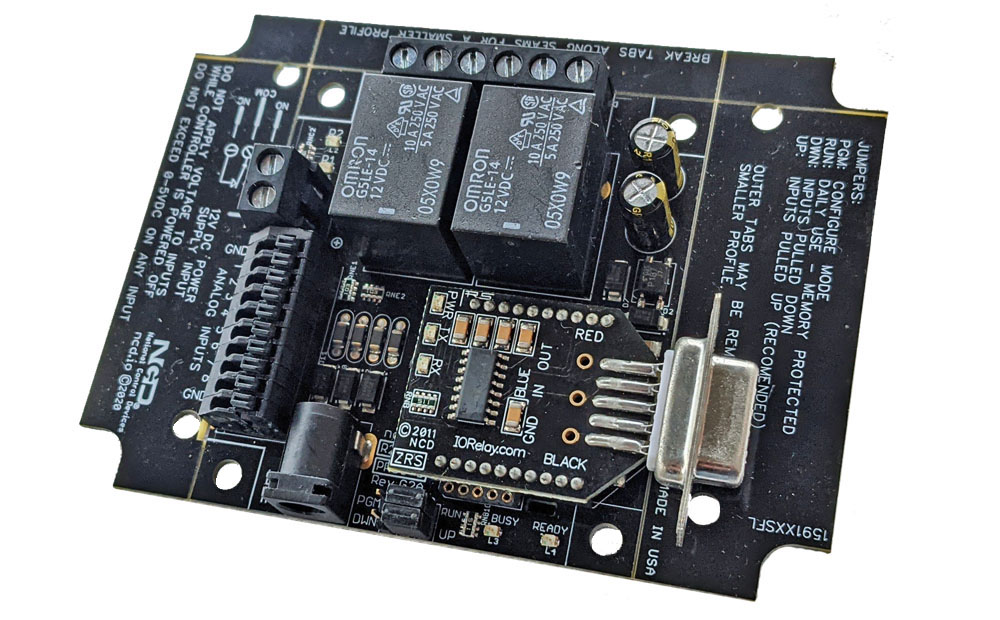 RS-232 Relay - 2-Channel
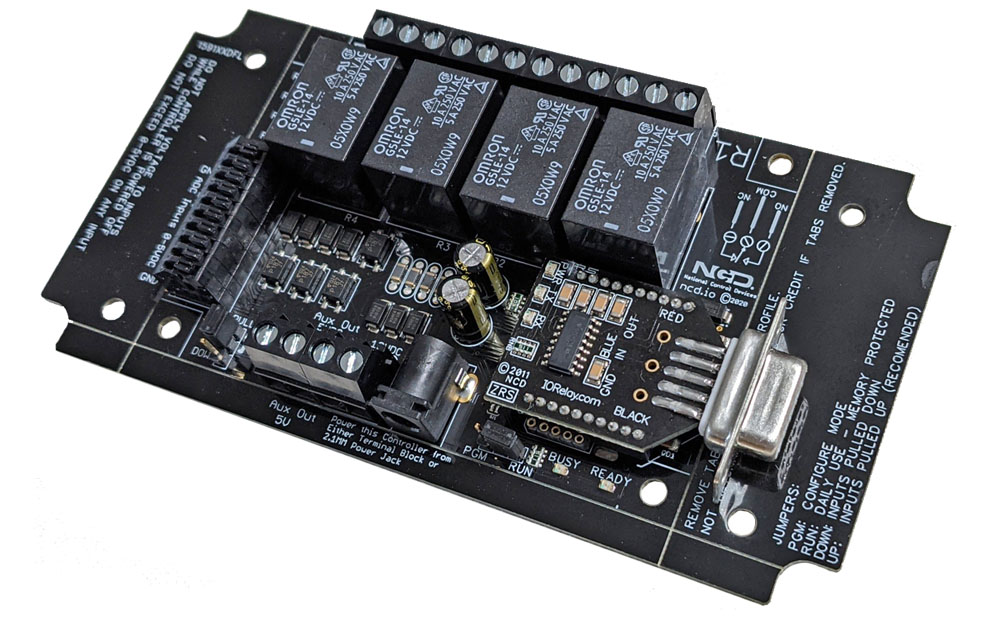 RS232 Controller - 4 Channel
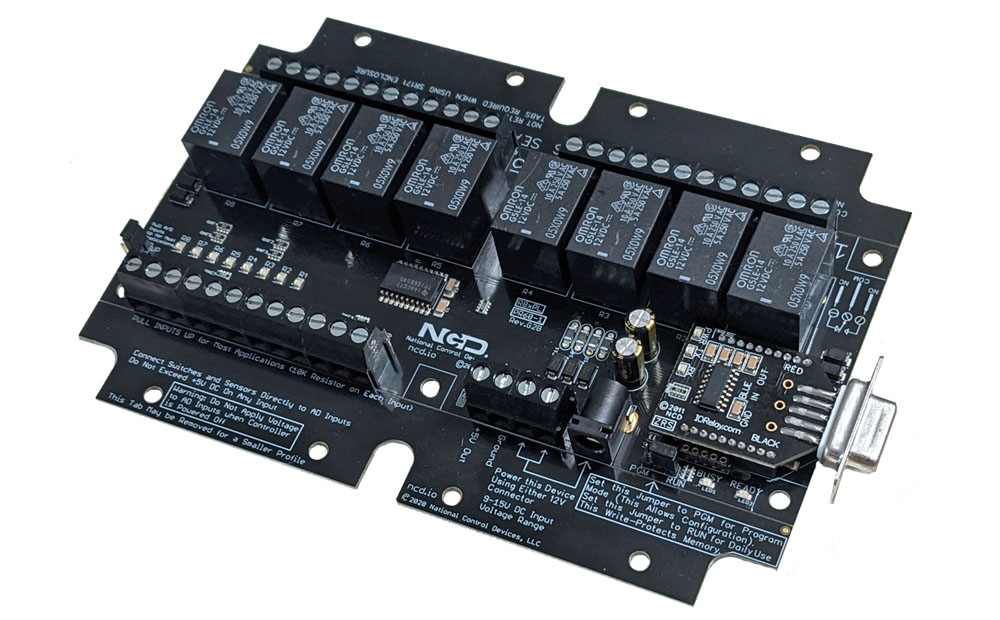 RS232 Relay Board - 8-Channel
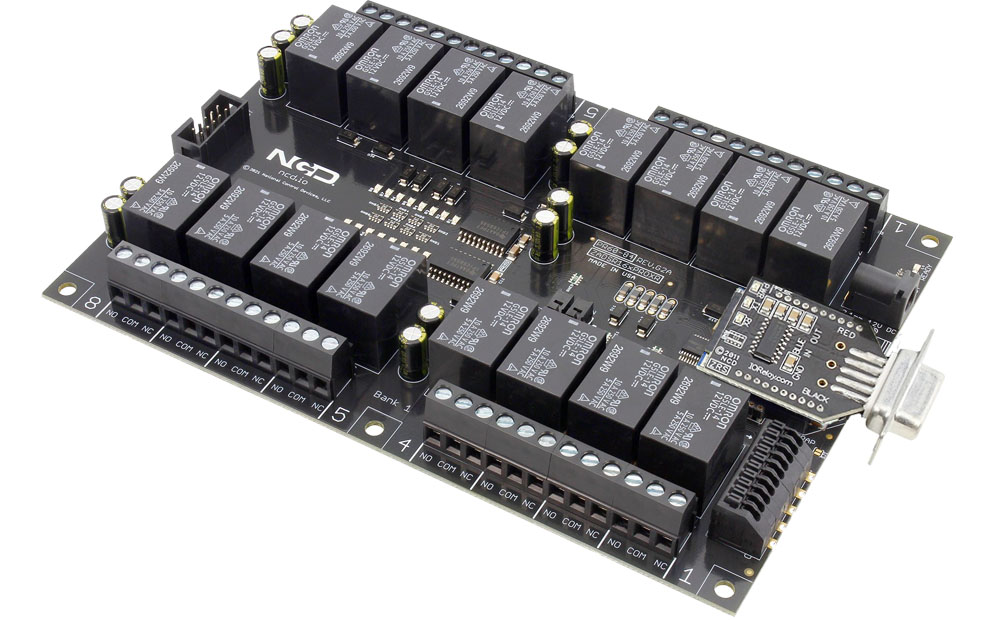 Serial Controlled Relay - 16-Channel
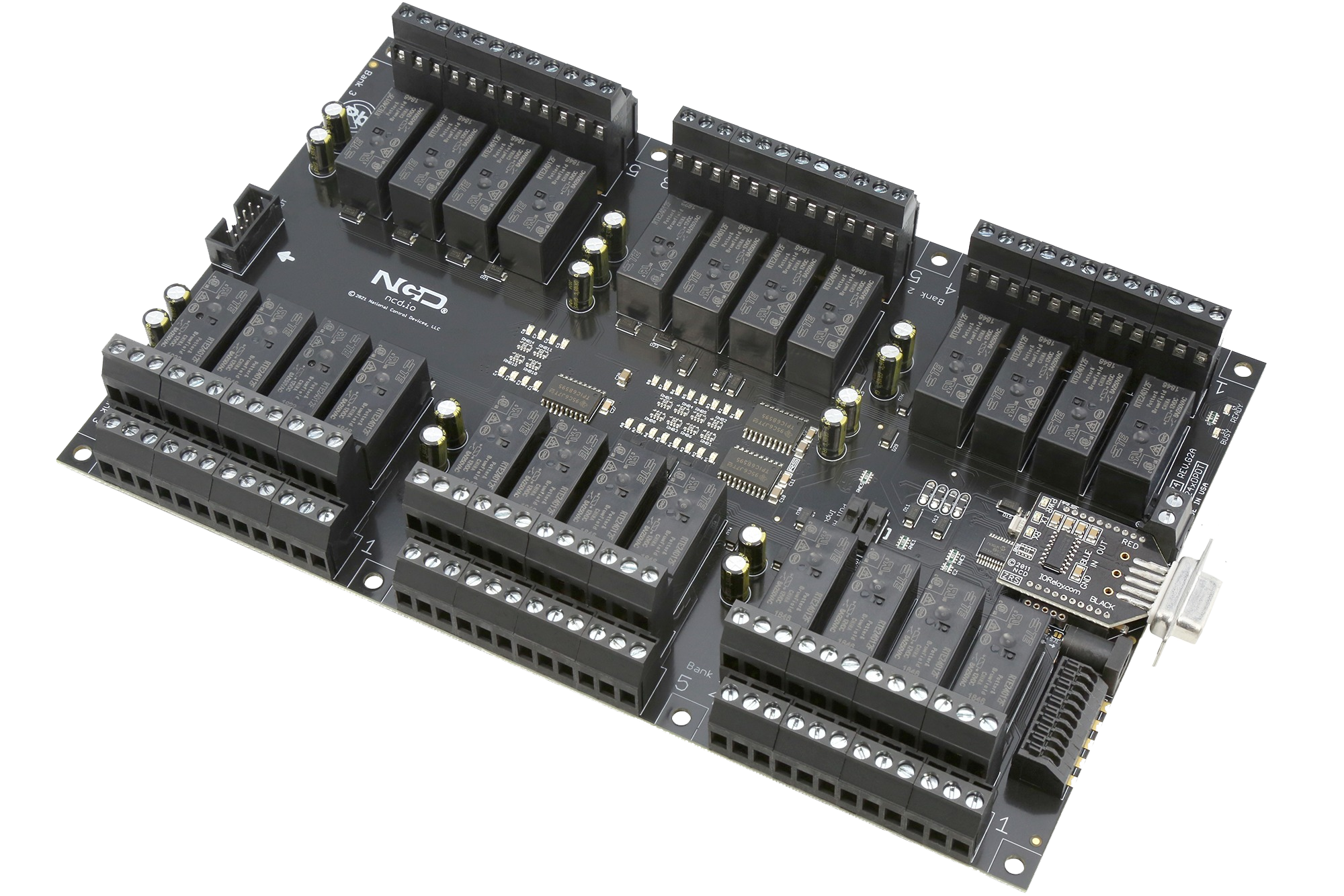 Serial Relay - 24-Channel
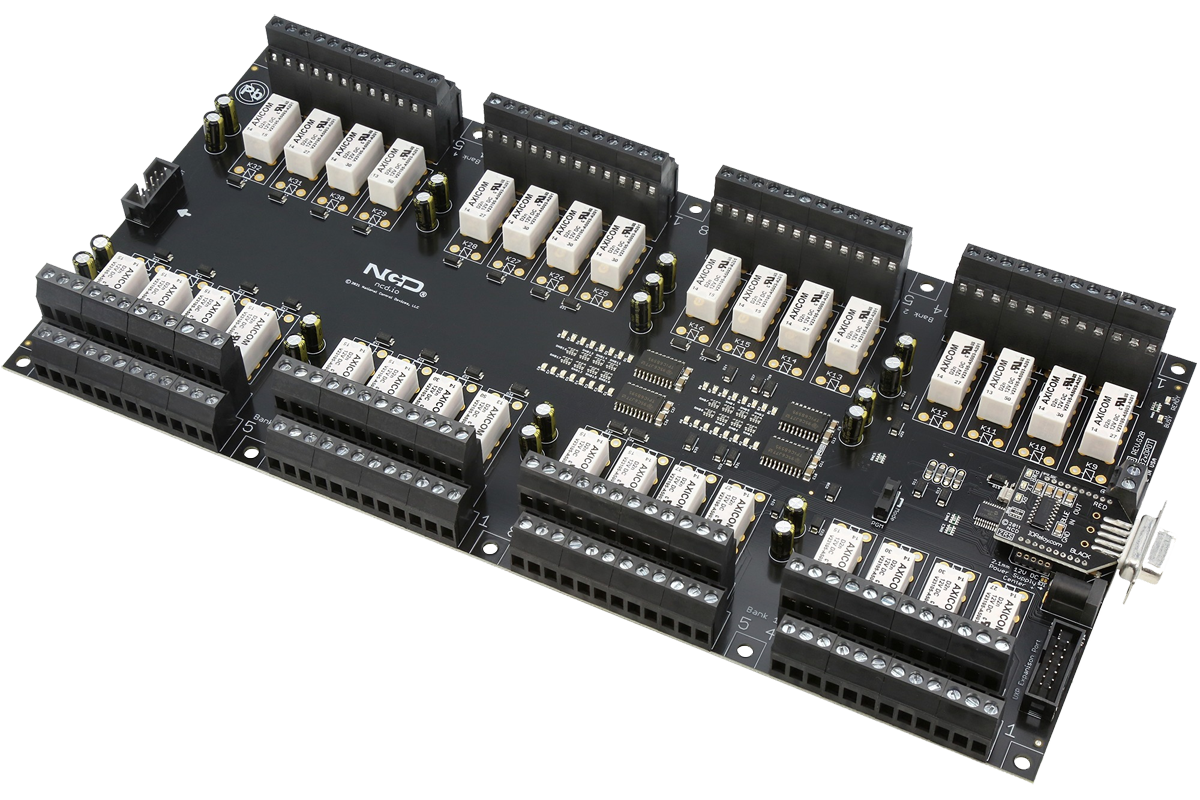 RS232 Relay Switch - 32-Channel